Port
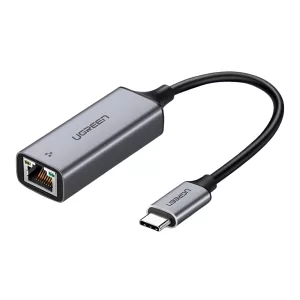
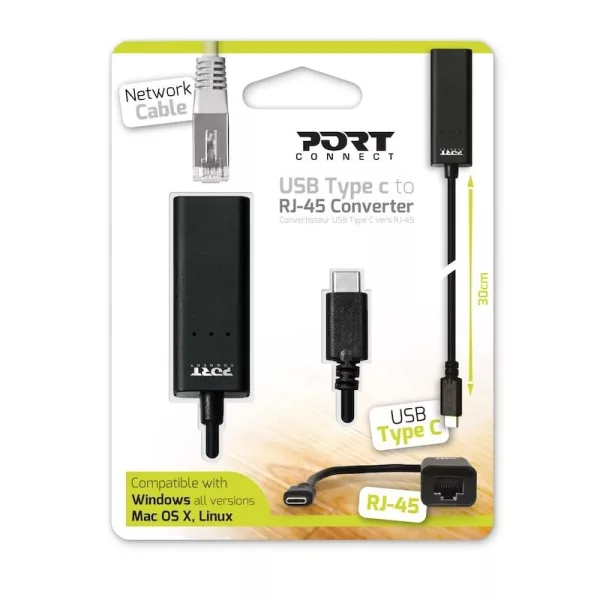
Port USB Type-C to RJ45 5Gbps 30cm Adapter - Black
R 572.36
Out of Stock
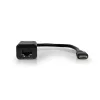
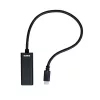
Convert your notebook's Type-C connection to a high speed 2Gbps network adapter with the Port Connect Type-C to RJ-45 Ethernet Adapter.
Get Notified When Available
Enter your email and we'll notify you when this item is back in stock.
Free shipping over R 3 450.00
Secure checkout
14-day returns
Expert support
Secure checkout via PayFast · SSL encrypted
The Port Connect Type-C to RJ-45 Ethernet Adapter allows for you to utilise your Type-C ports as RJ-45 network adapters. Designed to be durable and portable to take with you wherever you go. Port has ensured maximum speeds with Type-C 3.1 Gen1 capabilities of 5Gbps and full duplex 2Gbps ethernet connection.
Features:
- Convert your Type-C port to full duplex ethernet
- Maximum 5Gbps Type-C connection
- Maximum 2 Gbps Full Duplex ethernet connection
- Small and durable build
- Widely compatible with Windows, Mac OS X and Linux systems
Specifications:
- Compatible with: Windows, Mac OS X, Linux
- Interface: USB Type-C
- Output: Ethernet RJ-45 Female
- Data Transfer Rate: Maximum 5Gbps (USB Type-C 3.1 Gen 1) - 2 Gbps (Ethernet - Full Duplex)
- Materials: Aluminium + PCBA
- Cable length: 30 cm
- Dimensions: 1.7 x 30 x 2.3 cm
- Weight: 31.4g
What's in The Box:
- Port Connect Type-C to RJ-45 Ethernet Adapter x1
| Brand | Port |
| Colour | Black |
| Form Factor | - |
| Interface | - |
| Capacity | - |
| Memory Capacity | - |
| Screen Size | - |
| Resolution | - |
| Refresh Rate | - |
| Cpu | - |
| Cpu Socket | - |
| Warranty | 24 Months |
0 reviews
No reviews yet. Be the first to review this product!