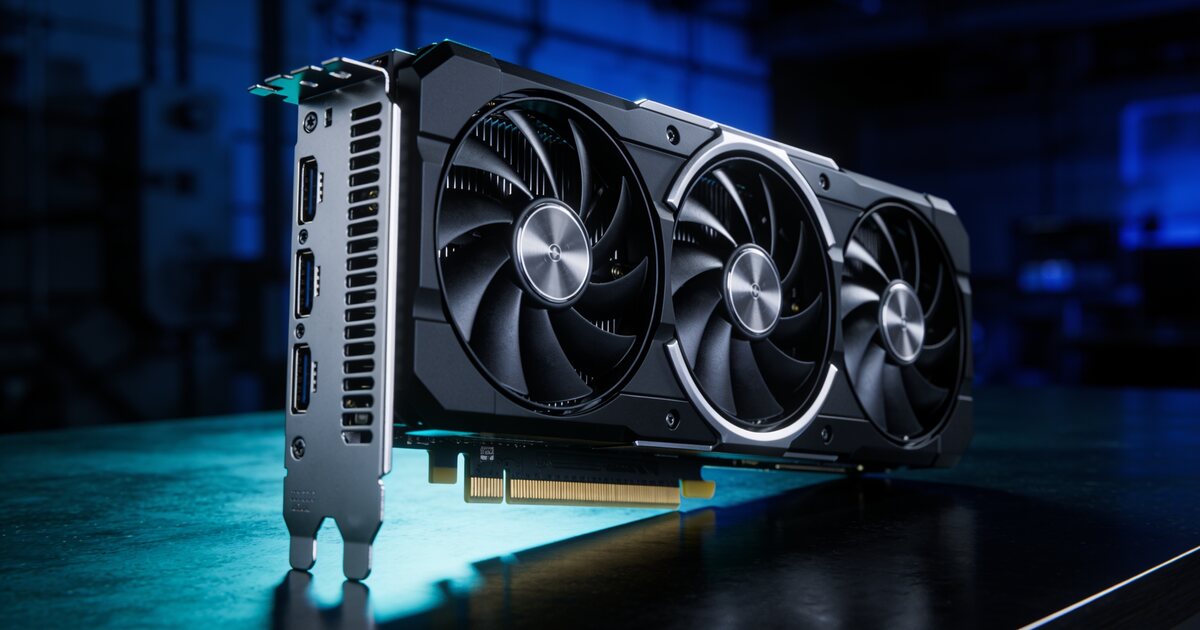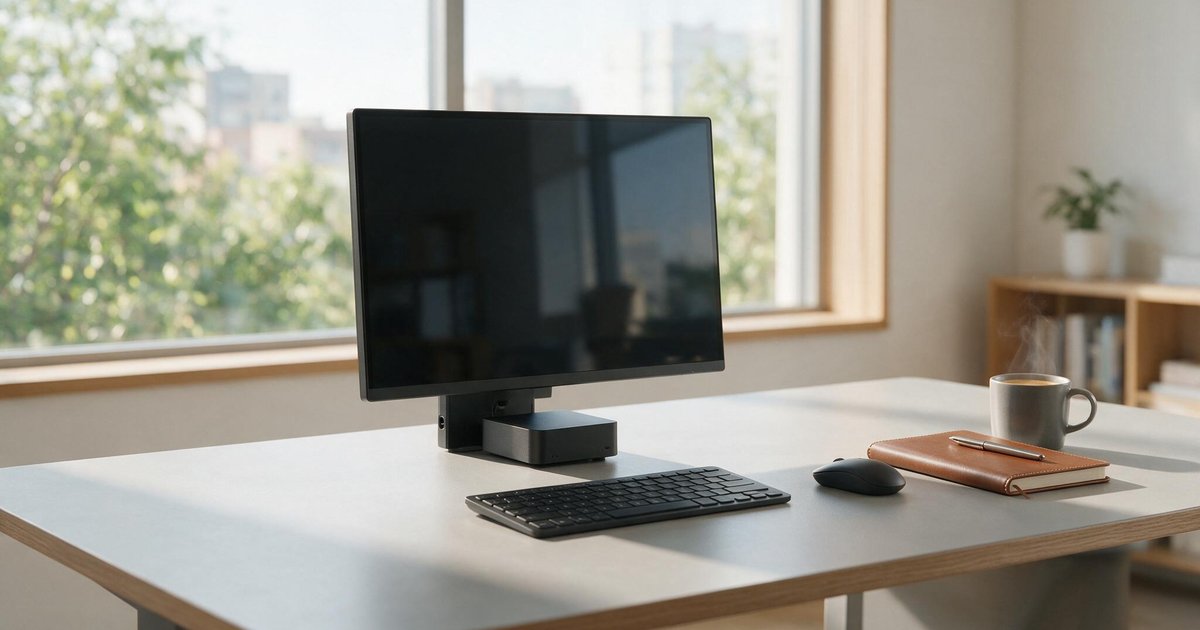
Buying a gaming monitor without considering your graphics card is how people end up with a 4K panel their GPU feeds at 40 frames per second — or a flagship card bottlenecked by a 60Hz office screen. The two components are one system; match them and both feel like upgrades.
The Honest Hierarchy
1080p at 144Hz+: the esports configuration. Any mid-range card drives it at high frame rates, and competitive titles genuinely feel different at 144 frames. If you play Valorant, CS or Fortnite seriously, high refresh beats high resolution every time.
1440p at 144–165Hz: the enthusiast sweet spot, and our default recommendation. Noticeably sharper than 1080p, but roughly half as demanding as 4K — a current mid-to-upper card holds high frame rates with settings that look genuinely good. Price-to-experience, nothing touches it in 2026.
4K at 120Hz+: spectacular for cinematic single-player games — if your card is a genuine flagship, ideally with DLSS or FSR upscaling doing some lifting. Anything less and you are buying pixels you cannot feed.
The Specs Worth Reading
Adaptive sync (FreeSync/G-Sync compatible) eliminates tearing and is now standard — just confirm it. Panel type: IPS for colour and viewing angles, VA for deeper contrast (great for dark, moody games), modern TN only for pure esports budgets. Response time under 5ms real-world is fine for almost everyone; the 0.5ms marketing war is for professionals.
The Cable Trap
High refresh needs the right connection: 1440p/144Hz wants DisplayPort 1.2+ or HDMI 2.0; 4K/120Hz needs HDMI 2.1 or DP 1.4. The cable in the box is usually correct — but if your shiny monitor is stuck at 60Hz, the cable (or the port you chose) is nearly always the culprit. Our display cable range states version ratings plainly.
Put It Together
Check what frame rates your card actually achieves at each resolution (reviews for your exact GPU tell you in minutes), then buy the gaming monitor your card can feed. Brands like MSI and ASUS cover every tier with local warranties. And if the budget forces a choice: a great 1440p monitor with a mid-range card beats a starved 4K panel every single day.