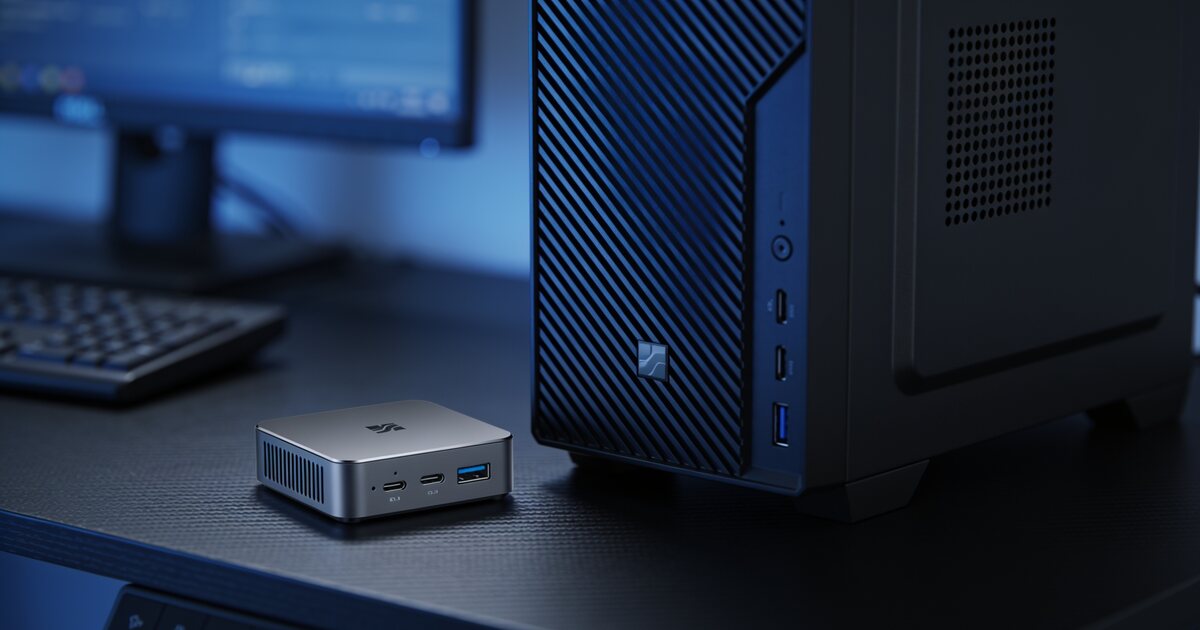
The mini PC has quietly grown up. What used to be an underpowered curiosity is now a palm-sized machine with modern laptop-class processors, fast NVMe storage, and enough grunt for everything most households and offices do all day. And because they sip electricity, they have found a special place in load-shedding-conscious South African homes.
But the traditional tower is not going anywhere. Here is the honest breakdown of who should buy which in 2026.
What a Mini PC Does Brilliantly
Everyday Work and Admin
Email, documents, spreadsheets, video calls, accounting software, a browser full of tabs — a modern mini PC with an Intel N-series or Core i3/i5 mobile chip handles all of it without breaking a sweat. Models like the PCBuilder CUBE series or Minisforum barebones pair 8–16GB of RAM with NVMe SSDs, which is exactly the recipe for a responsive office machine.
Power Consumption That Load Shedding Budgets Love
This is the underrated one for South Africa: a mini PC typically draws 15–45W under load. A gaming tower can pull ten times that. On a home inverter or UPS, a mini PC plus monitor can run for hours where a tower would flatten the same battery in under an hour. If working through stage 4 matters to you, the mini PC has a structural advantage no tower can match.
Space, Noise and Mounting
Most mini PCs VESA-mount to the back of your monitor, turning any screen into an all-in-one. No box on the desk, no cable snake, and near-silent operation.
Where the Tower Still Wins
Gaming and Heavy Creative Work
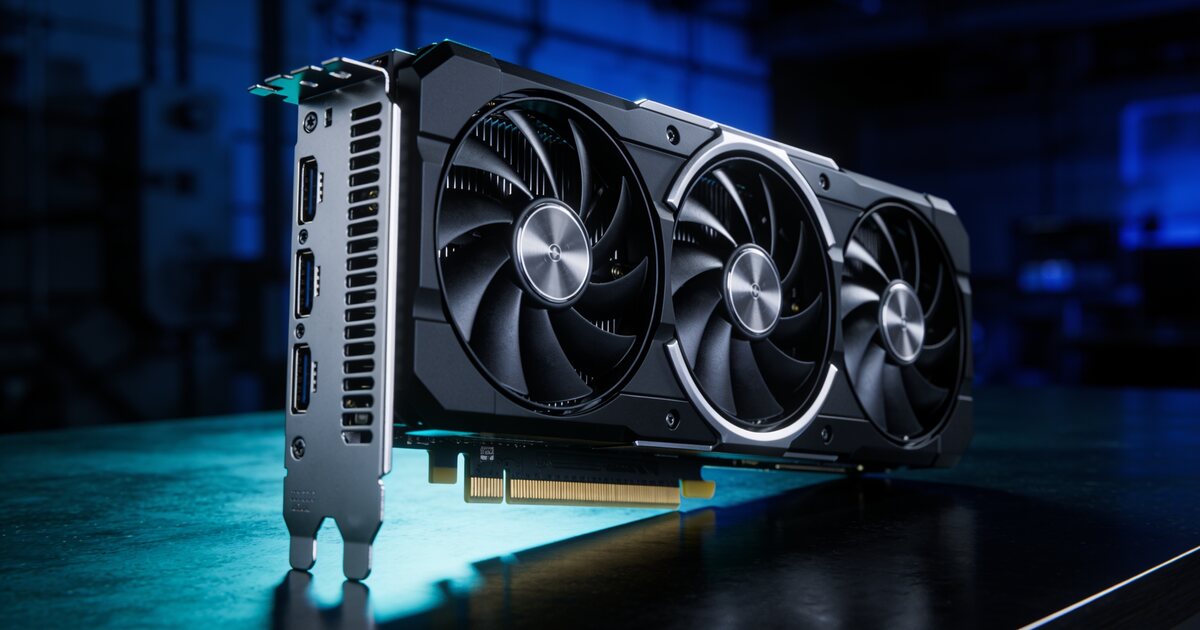
There is no way around physics: a dedicated graphics card needs space, power and cooling. If you game seriously, render video, or run CAD, the tower is still the right tool. Mini PC integrated graphics handle esports titles at modest settings, but that is the ceiling.
Upgradability and Repair
A tower lets you swap the GPU, add drives, upgrade the PSU and replace any part that fails. Mini PCs usually allow RAM and SSD upgrades at most — the CPU and graphics are permanent. If you like to upgrade over time rather than replace, the tower's economics win over a five-year horizon.
Sustained Heavy Loads
Under long, heavy workloads a tower's cooling keeps clock speeds high. Mini PCs throttle sooner — fine for bursts, less ideal for hours of rendering.
The Decision in One Table
| Your situation | Buy |
|---|---|
| Office admin, email, browsing, video calls | Mini PC |
| Working through load shedding on inverter/UPS | Mini PC |
| Reception desks, POS, kiosks, media centres | Mini PC |
| Gaming beyond esports titles | Tower |
| Video editing, CAD, 3D rendering | Tower |
| Want to upgrade parts over the years | Tower |
Bottom Line
For most South African home offices and admin work, the mini PC is now the smarter, quieter, cheaper-to-run choice. For gamers and creators, the tower remains unbeatable. Browse current desktop and mini PC options, or if you are leaning tower, our beginner's PC building guide shows what goes into one.
Frequently Asked Questions
Can a mini PC drive two monitors?
Almost all modern mini PCs drive two displays via HDMI plus USB-C or DisplayPort, and many handle three. Check the port list on the specific model before buying.
How long will a mini PC last?
The same five-plus years as an equivalent laptop. Because most run laptop-grade chips with modest heat output, they age well — the usual upgrade trigger is wanting more RAM, which is user-replaceable on most models.
Are mini PCs good for load shedding?
Exceptionally. Drawing 15–45W, a mini PC and monitor can run several hours on a mid-size home UPS or trolley inverter — several times longer than a desktop tower on the same battery.
Can I game on a mini PC at all?
Esports titles — Counter-Strike, Valorant, Rocket League, FIFA — run acceptably on modern integrated graphics at 1080p with tuned settings. AAA titles at high settings need a tower with a dedicated graphics card.