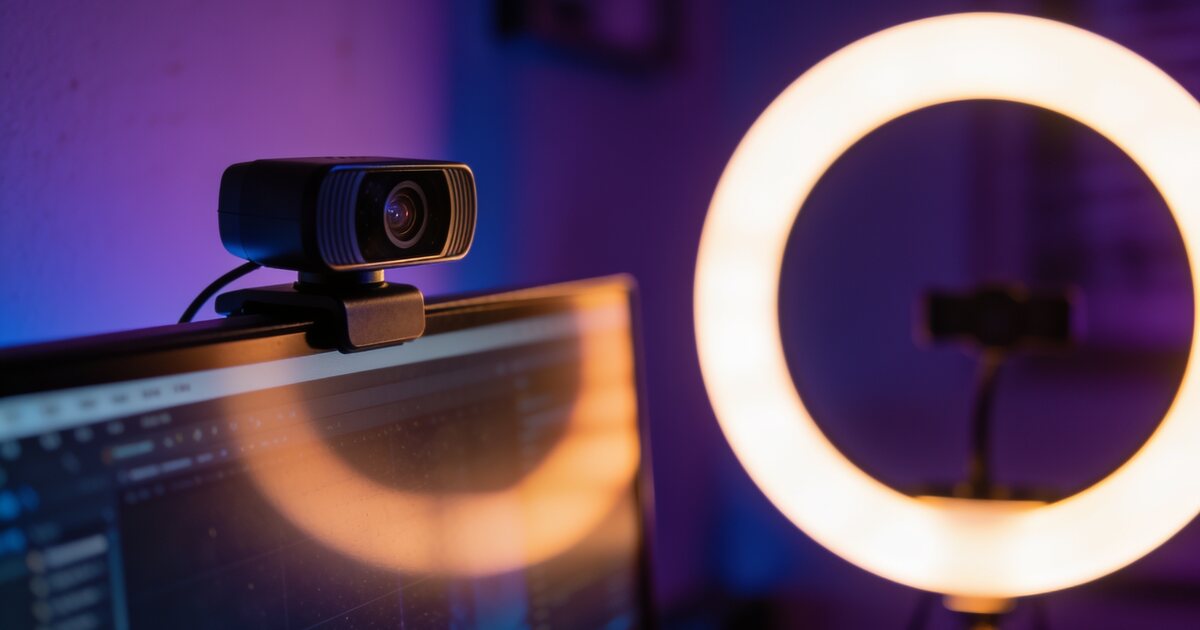
Whether the goal is looking sharp in Monday's meeting or starting the gaming stream you have been talking about since 2024, the shopping list is the same three items: camera, microphone, light. The order people buy them in is usually backwards — and the influencer-endorsed versions are usually overkill.
Here is the sane path, stage by stage.
The Uncomfortable Truth: Audio First
Viewers forgive soft video; they leave over bad audio — and meeting colleagues mute you in their hearts. If the budget covers only one upgrade, make it the microphone. The tiers:
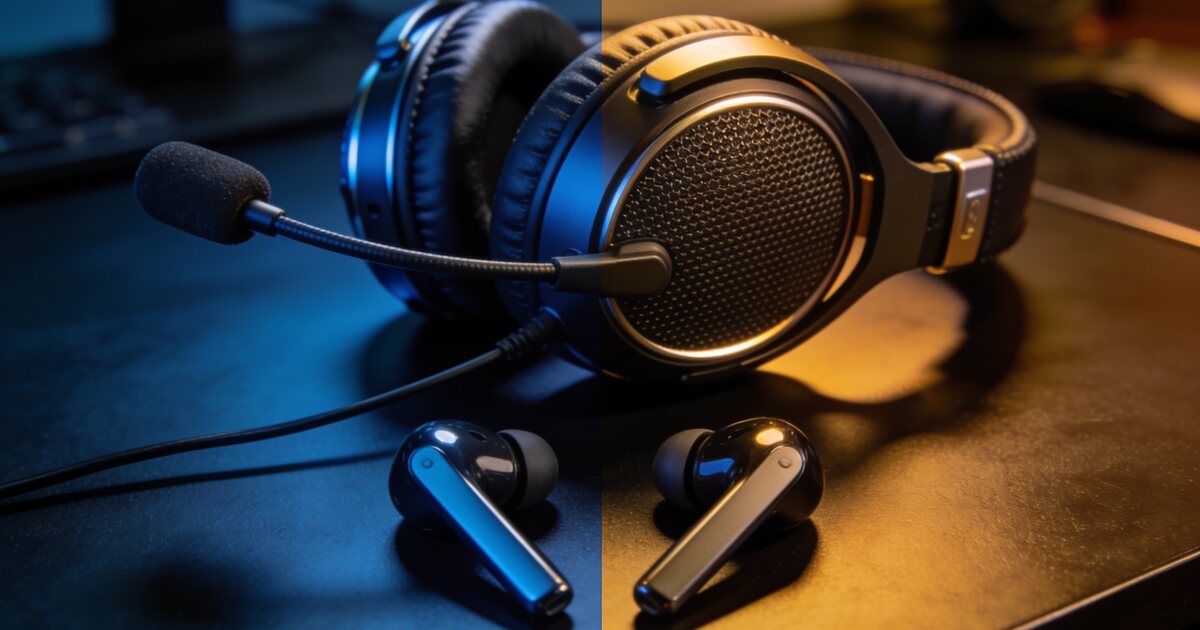
- Any headset boom mic (from ~R500): instantly beats every laptop and webcam mic. For meetings, this may be the whole journey.
- USB condenser mic (~R1,000–R2,500): the podcast-sound upgrade. Buy a boom arm with it — desk stands transmit every keyboard thump.
- XLR setups: the deep end. You will know when you need it; it is not today.
Webcams: 1080p Done Well Beats 4K Done Cheap
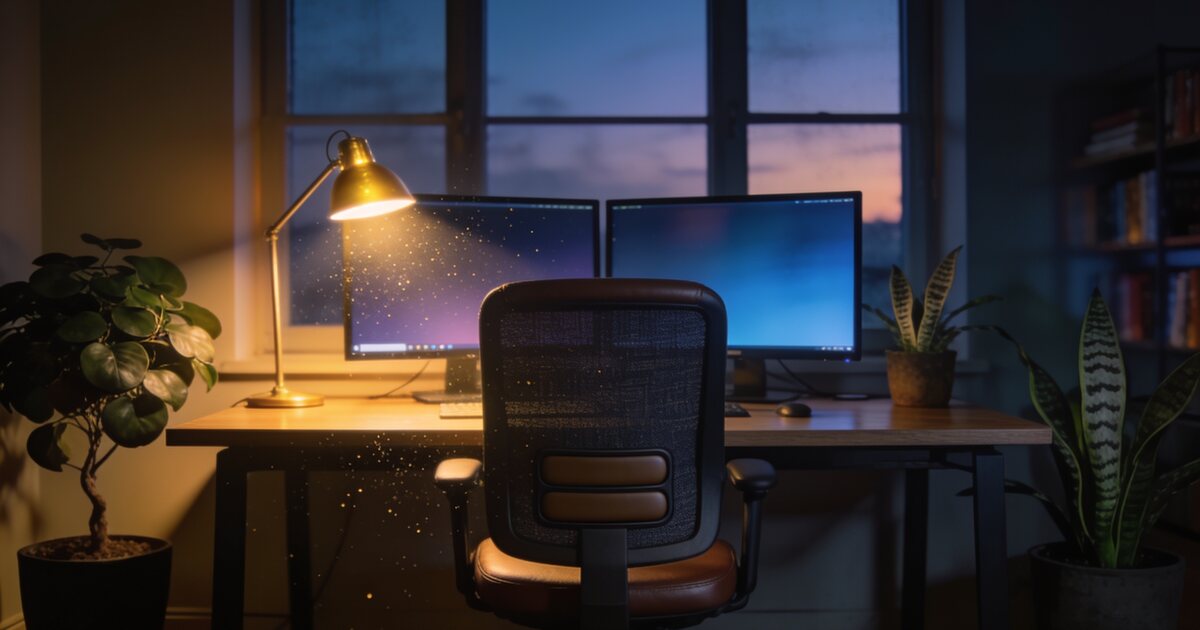
A good 1080p/30 webcam with a decent sensor and autofocus covers meetings and facecam streaming completely — 4K webcams mostly burn bandwidth and budget for an image Teams compresses to soup anyway. What actually matters: low-light behaviour (see lighting below), a 78–90° field of view (wide enough for you, not your whole flat), and mounting at eye level. Every webcam looks better clipped to an external monitor than gazing up your nose from a laptop hinge — pair it with the setup from our home office guide.
Lighting: The R300 Secret That Beats a R3,000 Camera
Cameras are light-processing machines; starve them and even flagships produce grainy mush. The cheapest transformation in this entire guide: one soft light source in front of you — a ring light or small LED panel behind the webcam, or simply facing a window. Avoid overhead-only light (eye shadows) and windows behind you (silhouette mode). Light in front, camera at eye level: that is 80% of "how do they look so professional".
Streaming Specifics, Once You Get There
- Software: OBS Studio is free and the industry default. Start there; paid tools add convenience, not capability.
- Upload bandwidth: 1080p streaming wants a stable 6–8Mbps up — most SA fibre lines qualify, ADSL and LTE often do not. Test before scheduling your debut.
- The PC question: modern GPUs carry encoding (NVENC and friends) with minimal game impact — a mid-range gaming PC streams fine. A second PC is a scale problem, not a start problem.
- Green screens: optional vanity — modern software background removal is decent. Spend on light first; keying quality is mostly lighting anyway.
The Three Sane Shopping Stages
- Meeting-ready (~R1,500): 1080p webcam + headset mic + ring light. Look and sound better than 90% of colleagues.
- Creator-ready (~R3,500): add USB condenser mic + boom arm, upgrade lighting to a soft panel.
- Ambitious (~R6,000+): better camera or capture card territory — by now you have audience data telling you what is worth it.
Current stock across all three stages lives in peripherals.
Frequently Asked Questions
Can I use my phone as a webcam?
Yes — iPhones and modern Androids beat most dedicated webcams optically, using built-in features or apps. The friction is mounting, charging and having your phone hostage in every meeting; dedicated webcams win on convenience, not image quality.
Do I need a capture card to start streaming?
Only for consoles or two-PC setups. Streaming PC games from the same machine needs zero extra hardware — OBS plus your GPU's encoder handles it.
Why do I look grainy on video calls even with a good webcam?
Insufficient light — the camera compensates with sensor gain, which is the grain. Add a front light source and watch the same camera transform. It is almost never the webcam's fault in a dim room.
What internet speed do I need to stream in South Africa?
Stable upload is the whole game: 6Mbps up for solid 1080p/30, 10Mbps+ for comfortable headroom. Fibre lines from 50/25 up qualify easily; test your real-world upload at peak evening times before committing to a schedule.