The average laptop is replaced not because it broke, but because it became miserable: slow, hot, dying at 11am. Almost all of that decline is preventable or reversible. With a few habits and one screwdriver session, a decent laptop serves five to seven years — which at South African laptop prices is a serious return on an hour of annual care.
Battery: The Part You Kill With Kindness
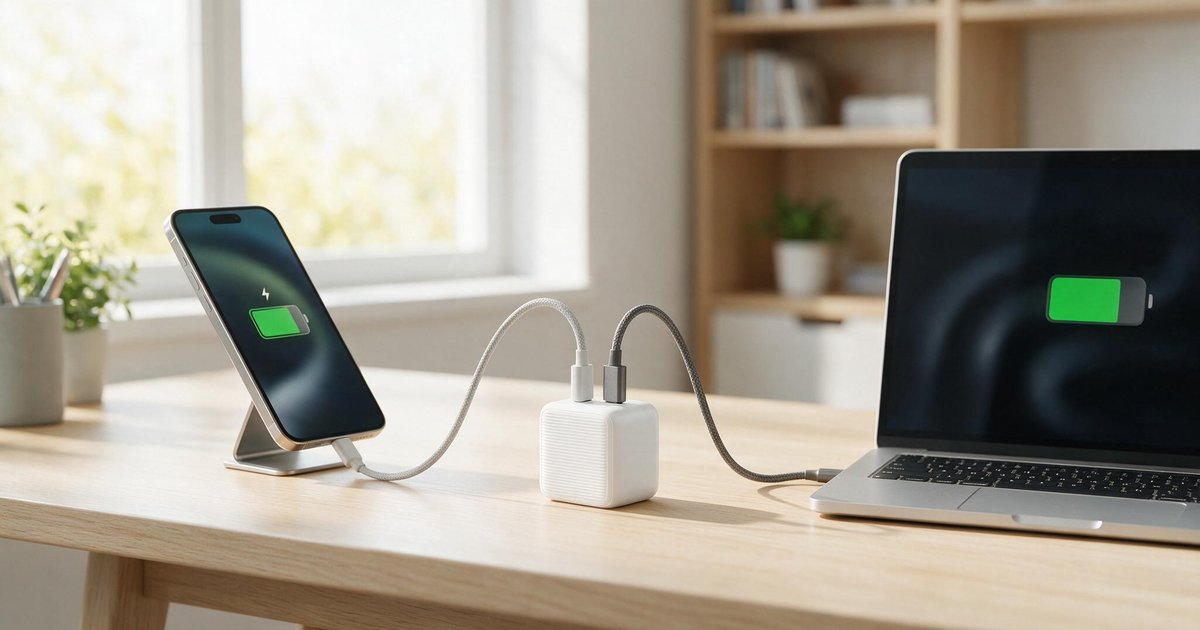
Lithium batteries age fastest when kept at 100% charge and warm — precisely the state of every laptop permanently docked at a desk. The fixes:
- Use the manufacturer's battery-limit setting (Battery Health Manager, Conservation Mode, etc.) to cap charge at 80% when mostly plugged in.
- Avoid heat — do not leave it in a car; SA summer cabins cook batteries.
- Do not baby it to death either: occasional full cycles are fine; the enemy is 100%-and-hot as a permanent state.
A battery treated this way keeps 80%+ of its capacity at year four instead of year one-and-a-half.
Heat: The Silent Performance Thief
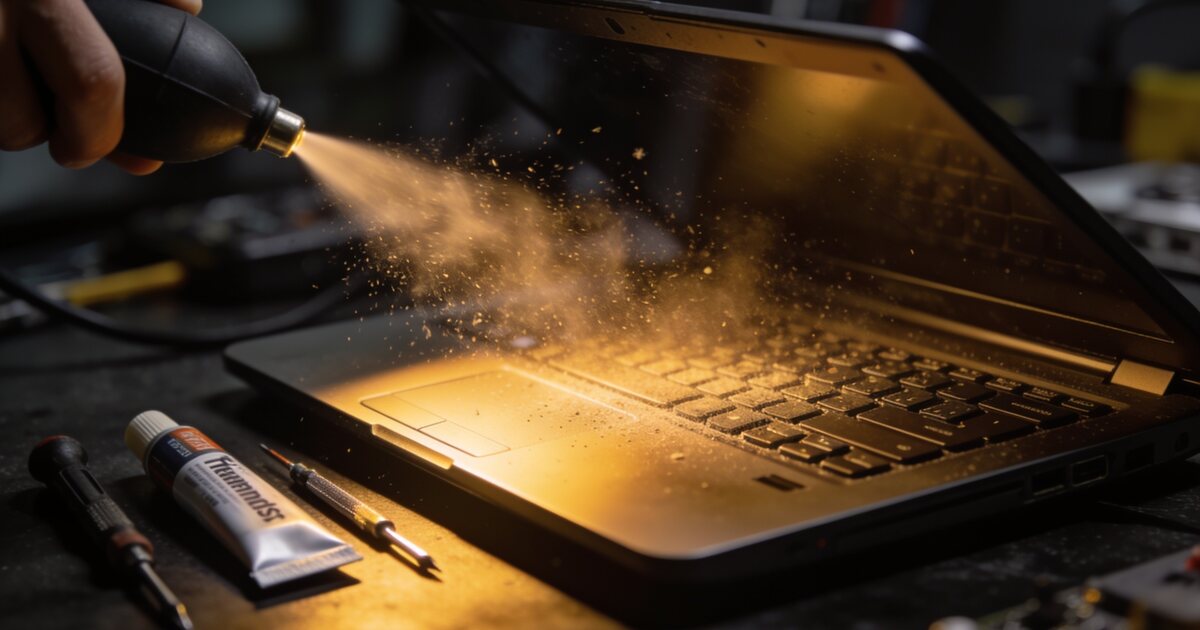
Dust builds in the fan and fins, temperatures creep up, and the laptop quietly throttles itself slower each year — this is the "it got slow" most people blame on software. Twice a year: power off, and blow compressed air through the vents in short bursts. Every two years (or if fans roar constantly): a professional clean and thermal paste refresh restores day-one performance on most machines. And never work with the vents buried in a duvet — a flat, hard surface is a free cooling upgrade.
Storage: The One-Hour Transformation
If the laptop still runs a hard drive or a small, stuffed SSD, this is the upgrade: a 1TB NVMe or SATA SSD (whichever the machine takes — see our NVMe guide) makes a five-year-old laptop boot and open apps like a new one. Keep the drive under ~85% full; SSDs slow down and wear faster when crammed. Storage prices are in the components section.
RAM: The Other Screwdriver Upgrade
8GB is the modern floor; if your machine has 4–8GB and a free slot (many still do — check before buying), doubling it eliminates the tab-swapping stutter that reads as "old laptop". Our RAM guide covers matching speeds. Note: many thin modern laptops solder RAM — for those, buy right the first time.
Software Hygiene, Minus the Snake Oil
No registry cleaners, no "PC boosters". The honest list: uninstall what you do not use, prune startup programs (Task Manager → Startup), keep Windows and drivers updated, and reboot occasionally. That is the entire secret.
Physical Care That Prevents the Big Repairs
Carry it in a padded sleeve, never lift by the screen, keep liquids one arm's length away, and use a surge-protected charger point — South African power events kill laptop chargers regularly, and cheap replacement chargers kill laptops. A genuine or certified replacement charger is not the place to save R200.
Frequently Asked Questions
Should I leave my laptop plugged in all the time?
With a charge limit enabled (80%), yes, it is fine. Without one, permanent 100% charge plus heat is the fastest way to halve battery lifespan.
How do I know if my laptop can be upgraded?
Search the exact model plus "RAM upgrade" or check the manufacturer's spec sheet for "user-replaceable" components — or bring it in and we will check the slots in minutes. Upgradability varies wildly between models.
Is a slow laptop worth upgrading or should I replace it?
If the CPU is roughly 2018-or-newer and the chassis is healthy: an SSD plus RAM often costs a tenth of replacement and feels 80% as good. Older than that, or with a failing screen/hinges, put the money toward a replacement — our budget laptop guide covers the tiers.
How often should a laptop be professionally cleaned?
Every two years for average use; annually for dusty environments, pet homes or heavy gaming loads. If the fan noise has become the soundtrack of your day, it is overdue.