South African houses are hard on Wi-Fi. Brick walls, single-storey sprawl, the router stuck in a corner because that is where the fibre enters — and suddenly the lounge streams 4K while the main bedroom cannot load Instagram. Before you phone your ISP, understand which of two problems you actually have.
Problem One: Your Router Is Weak
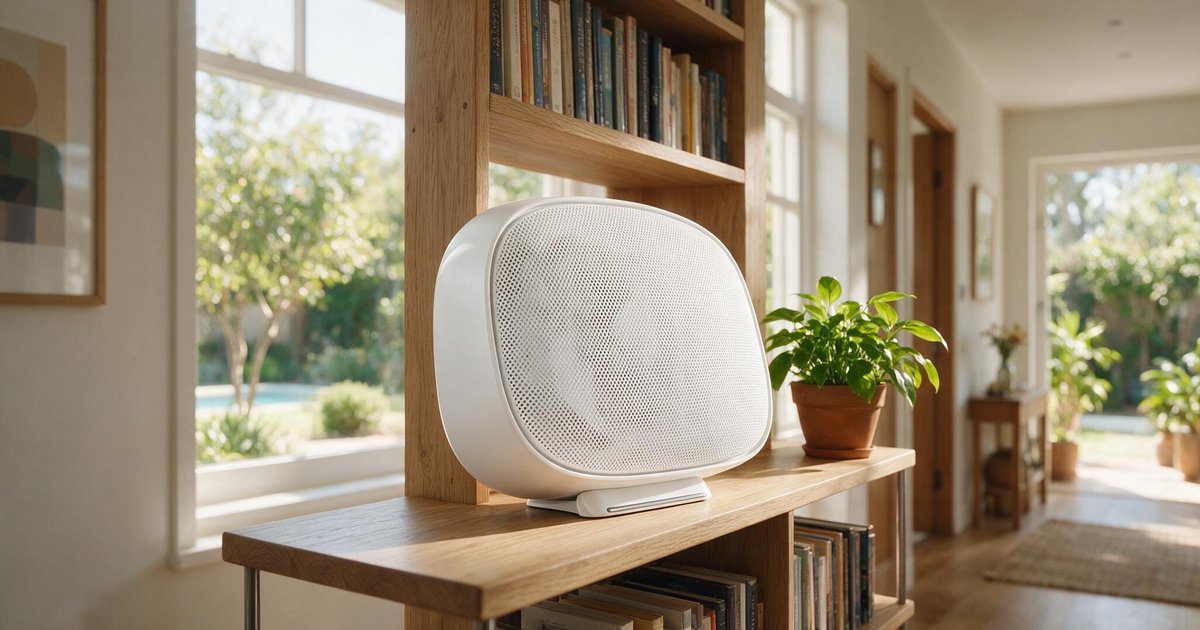
If the dead zone is one room away from decent coverage, a stronger router often solves it outright. ISP-supplied routers are built to a price; a mid-range replacement with proper antennas and Wi-Fi 6 can add meaningful range and handle far more devices simultaneously. This is the R1,500 fix — try it first if your house is compact.
Problem Two: Your House Is Too Big for One Router
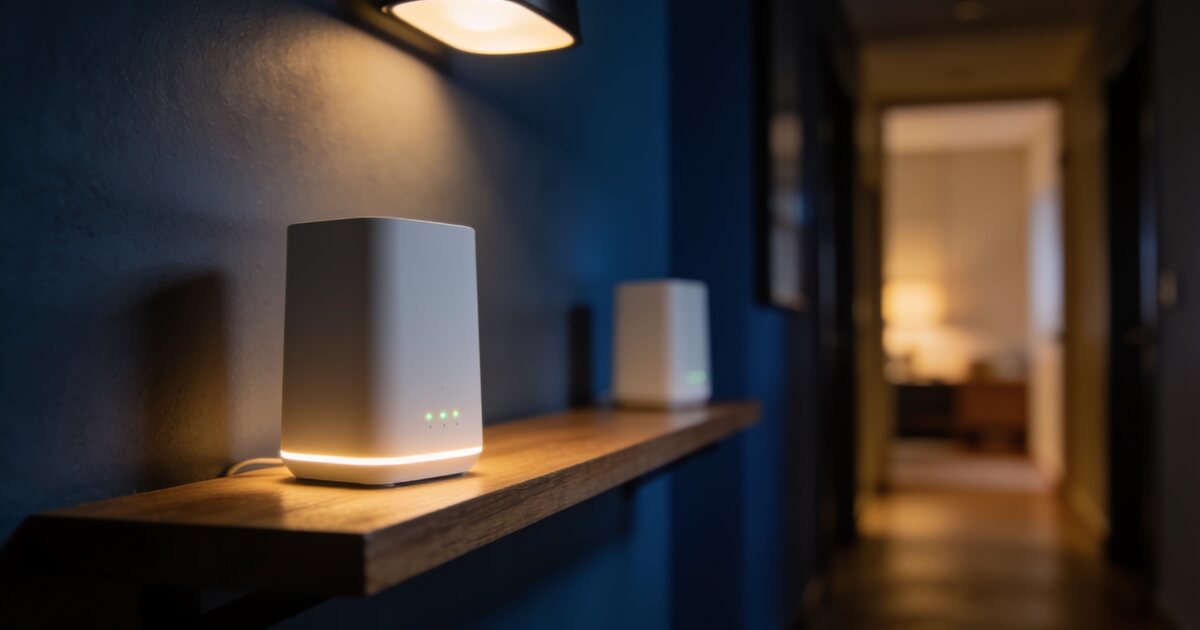
Radio does not negotiate with three brick walls and thirty metres. If the far side of the house is a different postal code in Wi-Fi terms, no single router will fix it — you need more transmitters. That is mesh Wi-Fi: two or three nodes that share one network name and hand your phone over silently as you walk through the house.
Why Mesh Beats Extenders
The old repeater/extender trick creates a second network that halves your speed and forces devices to cling to whichever signal they found first. Mesh nodes coordinate: one network, seamless roaming, and the system steers each device to the best node. Extenders are a patch; mesh is a fix.
The Wired Backhaul Trick
Every mesh node normally uses part of its radio time relaying traffic back to the main node. If you can run one ethernet cable between nodes — through the ceiling, along a skirting board — the nodes talk over the wire and their full radio capacity serves your devices. Real-world speeds roughly double. If your house is being renovated, beg the electrician for that one cable.
What to Buy
Match the system to your line first: a 100Mbps fibre line does not need Wi-Fi 6E flagships. A Wi-Fi 6 two-pack covers most three-bedroom homes; add a third node for double-storeys or cottages. We stock mesh systems from TP-Link, ASUS and Xiaomi with local warranties — and if you tell us your house layout and line speed, we will happily tell you which two boxes to buy and which to skip.