R15,000 is the honest entry point for a new gaming PC in South Africa in 2026 — enough for smooth 1080p gaming in modern titles, if every rand lands in the right place. Spend it wrong (RGB case, overkill motherboard, underpowered GPU) and you get a light show that stutters.
Here is the part-by-part priority list.
The Golden Rule: GPU First
The graphics card determines your frame rate more than everything else combined. At this budget it should consume 35–40% of the total — around R5,000–R6,000. That lands you a current entry gaming card or a previous-generation mid-ranger, either of which delivers high-setting 1080p in esports titles and medium-to-high in AAA games. Everything else in the build exists to keep this card fed.
CPU: Mid-Range Is the Sweet Spot
A modern 6-core chip — Intel Core i5 class or Ryzen 5 class — is all a budget GPU needs. Spending up on an i7/Ryzen 7 at this budget steals money from the GPU and delivers nothing visible in games. Whichever side you pick, our gaming PC guide covers the platform trade-offs in detail.
RAM: 16GB, Two Sticks, Always
16GB of DDR4 (or DDR5 on newer platforms) is the 2026 floor. The detail that catches beginners: buy it as 2×8GB, never 1×16GB. Two sticks enable dual-channel mode, which is free performance — integrated and budget GPUs especially feel the difference. Our RAM guide explains the speeds worth paying for.
Storage: One Good NVMe Drive
A 1TB Gen 3 or Gen 4 NVMe SSD, around R1,200–R1,600. No hard drive, no 500GB compromise (two modern games will fill it). See our NVMe generations guide for why Gen 3 remains a smart budget pick.
The Parts People Get Wrong
Power Supply: Do Not Cheap Out
A no-name PSU is the one component that can take everything else with it when it dies — a real concern on the South African grid. Budget R900–R1,300 for an 80+ Bronze unit from a recognised brand, 550–650W, which also leaves headroom for a future GPU upgrade.
Motherboard: Boring Is Correct
An entry board from a major brand (like MSI's PRO series) has everything a budget build needs. Features you are paying for above R2,500 — Wi-Fi 7, heavy VRM cooling, RGB headers galore — belong to bigger budgets.
Case: Airflow Over Glass
A basic case with a mesh front and two fans beats a sealed glass showpiece for thermals at half the price. Antec's budget chassis range is a solid local example.
The Rough Split at R15,000
| Part | Share | Rand (approx.) |
|---|---|---|
| Graphics card | 37% | R5,500 |
| CPU | 20% | R3,000 |
| Motherboard | 12% | R1,800 |
| RAM 16GB (2×8) | 8% | R1,200 |
| 1TB NVMe SSD | 9% | R1,400 |
| PSU 80+ Bronze | 7% | R1,100 |
| Case + fans | 7% | R1,000 |
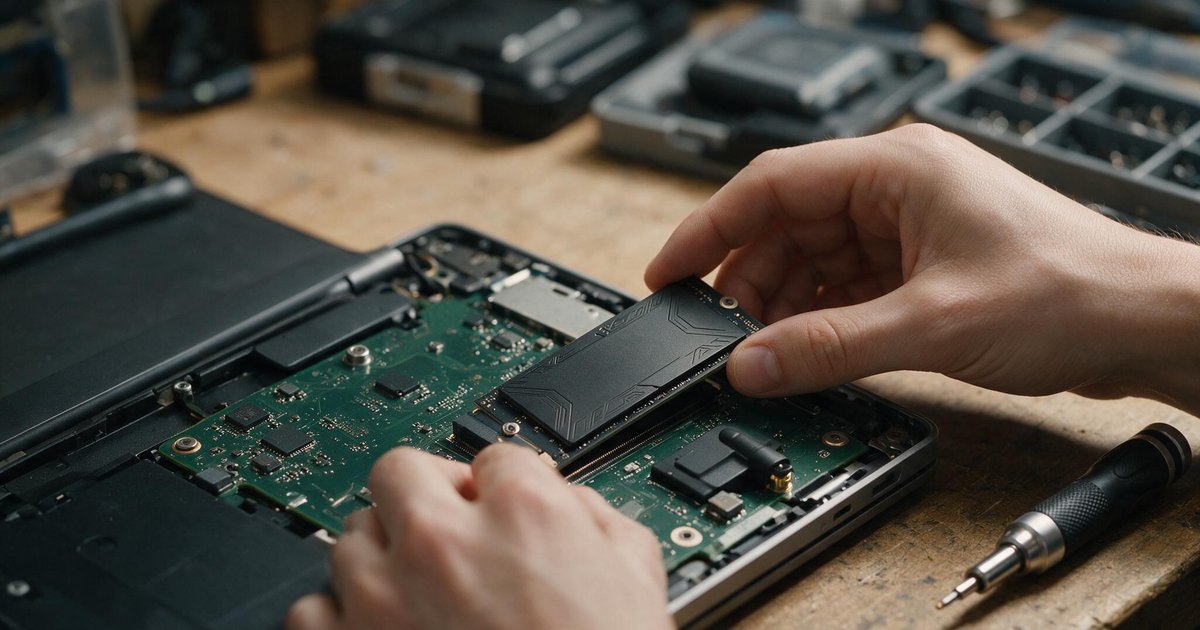
Prices move weekly — check the components section for live stock, and if assembling it yourself feels daunting, our step-by-step build guide proves it is a screwdriver job, not surgery.
Frequently Asked Questions
What performance does R15,000 actually buy in 2026?
Esports titles (Valorant, CS2, Dota) at 144+ fps on high settings at 1080p; recent AAA titles at 60fps on medium-to-high at 1080p. It is a genuinely good gaming experience, not a compromise machine.
Should I buy a used graphics card to stretch the budget?
It is the one used part with real savings potential — and real risk. Buy only face-to-face where you can watch it run a stress test for 15 minutes, and price in the absent warranty. Never buy a GPU from a photo.
Is it cheaper to build or buy pre-built in South Africa?
Self-building typically saves 10–15% or buys better parts at the same price, and you know exactly what went in. Pre-builts earn their margin in convenience and a single warranty — a fair trade for many buyers.
Can I upgrade this build later?
That is the point of the layout: the 650W PSU and standard case take a much bigger GPU later, and the platform accepts a CPU tier upgrade. A budget build done right is a foundation, not a dead end.