Fibre gets faster every year, yet the bedroom still buffers. That is because your problem is not bandwidth — it is coverage. South African homes are especially hostile to Wi-Fi: double-brick walls eat signal that American drywall lets straight through.
Before you spend a cent, and then when you do, here is the playbook.
Step 0: Fix Placement (Free)
The single most common mistake: the router lives wherever the fibre installer left it — a corner of the lounge, inside a TV cabinet, on the floor. Radio waves radiate outward and downward from the antennas. Move the router to a central, elevated, open position and you can gain more real-world coverage than a cheap extender provides. Avoid: metal cabinets, behind TVs, next to fish tanks (water absorbs 2.4GHz brilliantly), and the floor.
Step 1: Understand the Two Bands
2.4GHz travels far and penetrates brick, but it is slow and congested — every neighbour's network and half your appliances shout on it. 5GHz (and 6GHz on Wi-Fi 6E/7 gear) is fast but dies quickly through walls. A dead zone is usually a spot where 5GHz has given up and congested 2.4GHz is all that is left. The fix is bringing a transmitter closer to the zone — which brings us to the hardware.
Extenders: The Cheap Fix With a Catch
A plug-in repeater rebroadcasts your signal. It works, but the classic single-band repeater halves throughput (it must listen and repeat on the same radio), and hand-off between router and repeater is often clumsy — your phone clings to the weak original signal. Fine for adding coverage to one room on a tight budget; frustrating as a whole-home solution.
Mesh: The Real Solution
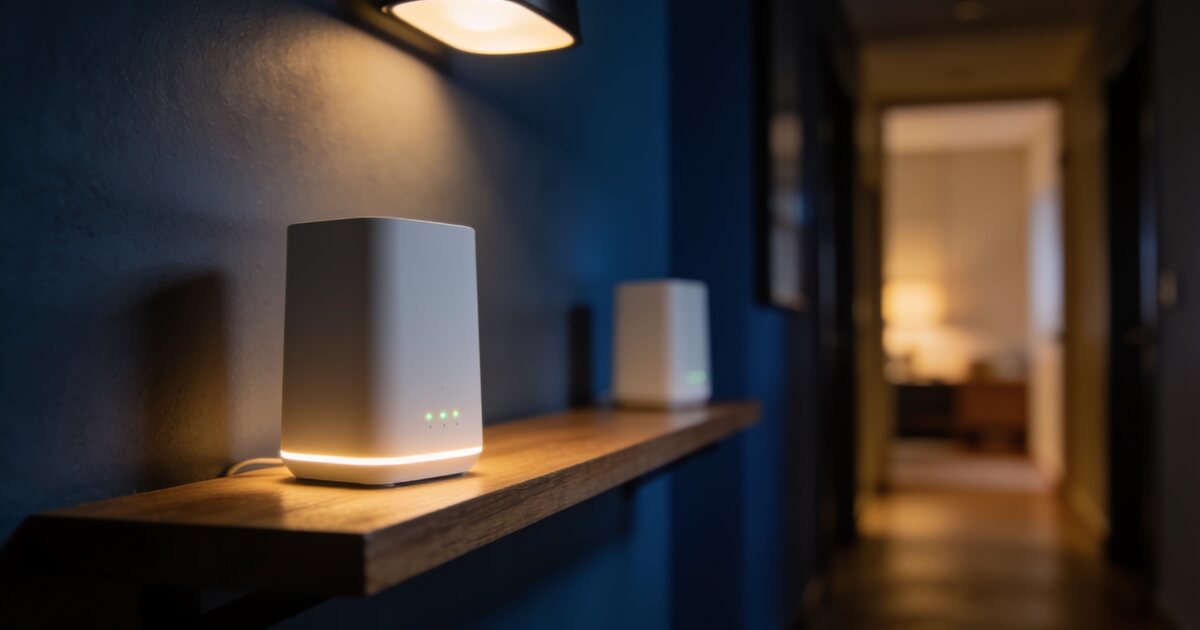
A mesh system replaces your router's Wi-Fi with two or three coordinated nodes broadcasting one seamless network. Devices roam between nodes automatically; good systems use a dedicated radio band or ethernet for the backhaul so speed does not halve.
Buying rules that matter:
- Tri-band (or wired backhaul) beats dual-band — the third radio carries node-to-node traffic so your speed survives.
- Ethernet backhaul is king: if your house has LAN points or you can run one cable, wired-together mesh nodes give near-perfect performance everywhere.
- Placement again: nodes should be one to two rooms apart with decent signal between them — a node in the dead zone itself just relays a weak signal weakly.
What About Wi-Fi 7?
If you are buying new gear in 2026, Wi-Fi 6 is the value floor and Wi-Fi 7 the future-proof pick — especially in dense complexes where its interference handling shines. Our Wi-Fi 6 vs 7 deep dive covers whether the upgrade is worth it for your situation. And remember the router is only as good as its power supply during load shedding — a small UPS keeps the whole network alive (see our load shedding office guide).
Browse current networking gear — routers, mesh kits and adapters in stock.
Frequently Asked Questions
Mesh or extender — how do I choose?
One problem room on a budget: extender. Whole-home coverage, multiple dead zones, or a double-storey: mesh. The experience difference in roaming and speed is substantial.
How many mesh nodes does a typical house need?
A single-storey 3-bedroom home: two nodes. Double-storey or 300m²+: three. More nodes placed badly perform worse than fewer placed well — spacing beats quantity.
Why is my fibre fast next to the router but slow in the bedroom?
Brick walls are attenuating the 5GHz band to nothing and your phone is falling back to congested 2.4GHz. That is a coverage problem, not an ISP problem — no line upgrade will fix it; placement or mesh will.
Does powerline networking work in South African houses?
Results vary wildly with wiring quality and are generally disappointing on older circuits. If you cannot run ethernet, a proper tri-band mesh is the more reliable investment.