Every South African remote worker knows the sequence: the lights blink, the router dies mid-meeting, and your laptop becomes an expensive notepad with 40 minutes of battery. Load shedding is not going anywhere — but with the right gear, sized correctly, it stops being a crisis and becomes a non-event.
This guide covers the three main options and — more importantly — how to size them for what you actually run.
First: Know Your Numbers
Everything below depends on one question: how many watts does your work setup draw? Rough working figures:
- Fibre router + ONT: 15–25W
- Laptop: 30–65W (charging)
- Mini PC: 15–45W
- Desktop tower (office spec): 100–200W
- Gaming tower under load: 300–600W
- 27" monitor: 20–35W
A laptop-plus-router setup is a ~90W problem. A gaming tower with two screens is a ~500W problem. These are completely different purchases.
Option 1: The Line-Interactive UPS (from ~R1,500)
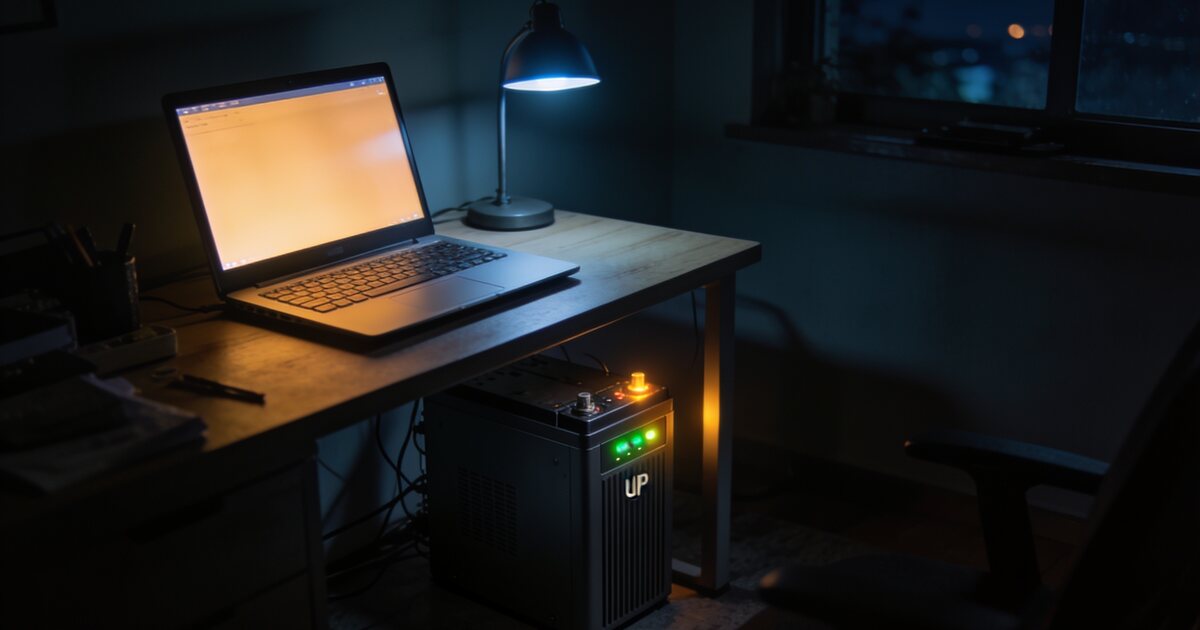
The classic PC-shop UPS is designed to bridge short gaps and let you shut down cleanly — not to run an office for hours. A typical 1000VA/600W unit runs a desktop and screen for 10–20 minutes, or just a router for 2–4 hours.
Buy this if: you mainly need your fibre to survive and your desktop to shut down without corrupting work. Our guide on why every PC owner needs a UPS covers the surge-protection side, which matters even more than backup time.
Option 2: The Trolley Inverter (from ~R6,000)
A 1kVA–2kVA inverter with one or two deep-cycle or lithium batteries on a wheeled frame. This is the load shedding workhorse: a 1kVA lithium unit will run a laptop, router, monitor and a lamp for a full 2–4 hour slot with room to spare.
Buy this if: you need to actually keep working for whole load shedding slots. Lithium (LiFePO4) models cost more upfront than lead-acid but last 5–10× more cycles — with daily shedding they are dramatically cheaper per year.
Option 3: The Portable Power Station (from ~R5,000)
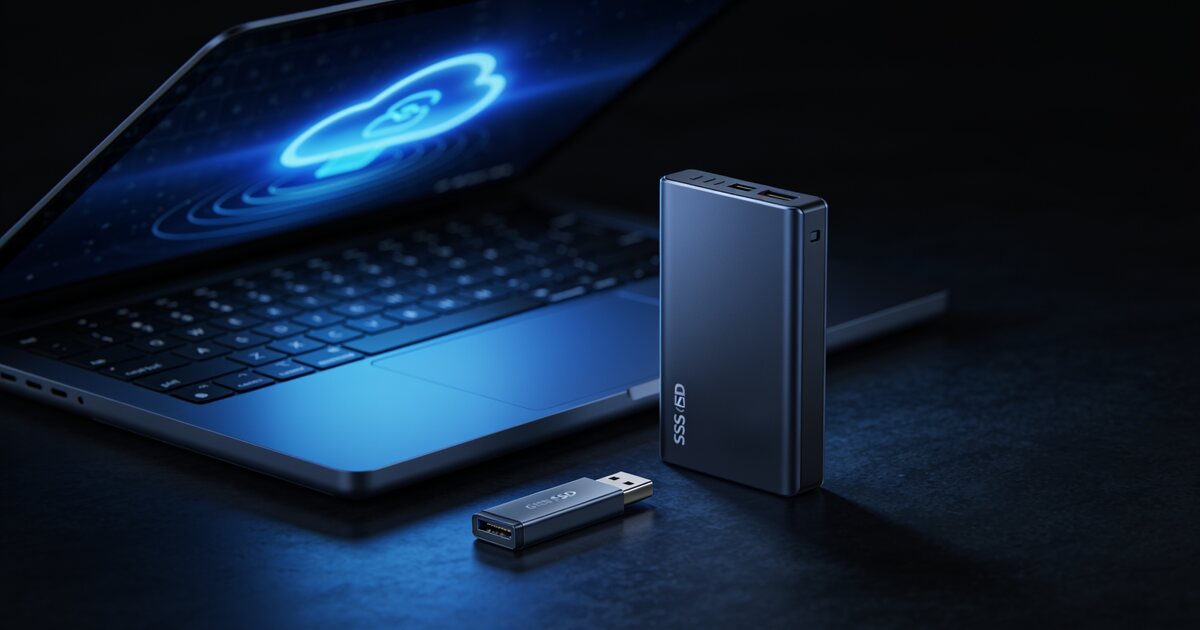
Lithium power stations pack an inverter, battery and charge controller into one sealed box with plugs, USB-C PD ports and fast recharging. A 500Wh unit runs a 90W laptop-and-router setup for around four hours; 1kWh units cover a double slot. They double as camping and emergency power, and many recharge from solar panels.
Buy this if: you want zero-maintenance, portable backup that also serves weekends away. Check our power range for current UPS, inverter and power station stock.
The Setup Most Remote Workers Should Copy
- Small UPS on the router — fibre stays up instantly, every time, for a few thousand rand.
- Laptop or mini PC as the work machine — their tiny draw makes every battery last 5–10× longer than a tower. (See our mini PC vs tower comparison.)
- Trolley inverter or power station for the desk — sized at double your measured draw for headroom and battery health.
Frequently Asked Questions
What size UPS do I need just to keep fibre running?
A router and ONT draw under 25W combined. Even a small 600VA UPS will carry that for 2+ hours; purpose-built mini DC UPS units for routers are an even neater solution.
Lead-acid or lithium for load shedding use?
Lithium (LiFePO4), almost always. Lead-acid batteries are rated for a few hundred cycles and hate deep discharge — daily load shedding kills them in a year or two. Lithium units handle thousands of cycles and discharge deeper safely.
Can I run my Wi-Fi router off a power bank?
Yes, if the router runs on 12V or USB-C and you use a power bank or mini UPS with the right output. It is the cheapest possible "keep the internet alive" insurance for a laptop-based worker.
Will a UPS protect my PC from surges when power returns?
A line-interactive UPS with AVR is specifically designed for that — it absorbs the spikes and brown-outs that accompany power restoration, which is when most equipment damage happens in South Africa.